
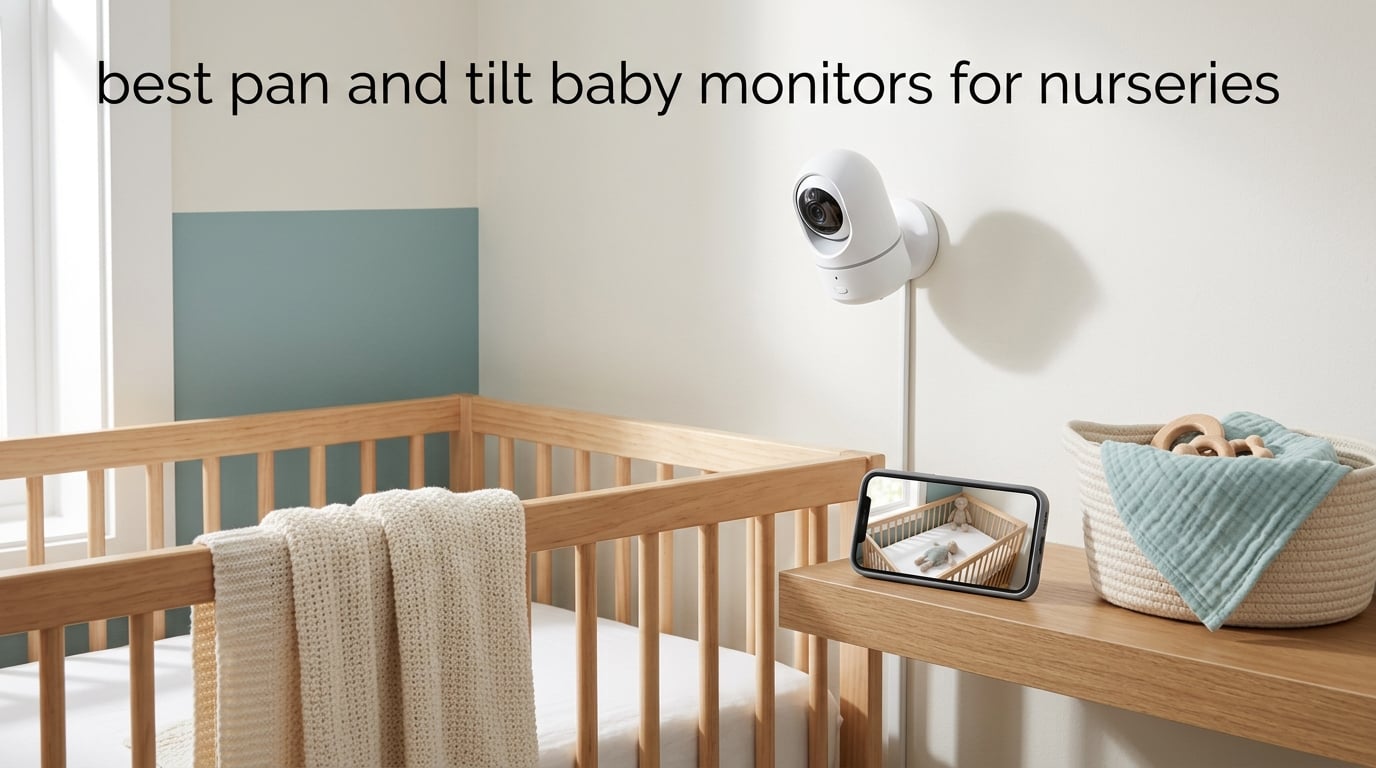
A pan and tilt baby monitor is a video monitor whose camera physically swings left to right and up and down, usually from buttons on the handheld parent unit, so you can steer the lens across the whole crib or room without getting out of bed. A mechanical pan moves the lens itself. A digital pan only crops the frame, which is the single most common disappointment in this category.
We spent six weeks with the 10 best pan and tilt baby monitors for nurseries, running each one through a dark-room sweep, a two-floor range walk, an overnight battery drain and a two-cot split test. Nine of the ten here pan and tilt mechanically, either from a dedicated handset or from a phone app. The differences between them come down to screen size, night vision behaviour, how many cameras you can pair and whether the feed touches the internet.
Our direct answer to the most searched question in this space: the best baby monitor for a nursery is the one whose connection type matches your home, not the one with the highest number on the box. A closed-system monitor with no WiFi is the most reliable choice for a single crib. A hybrid unit with both a parent unit and an app is the right pick for twins, grandparents or anyone who travels. A phone-based pan and tilt camera is the cheapest way to get a wide sweep, at the cost of a phone battery and a router.
One safety note before we get into the list. No baby monitor prevents SIDS or suffocation, and none of these devices replaces safe sleep practice. Keep the cot bare, on its back, on a firm flat mattress, in the same room as the baby. The American Academy of Pediatrics does not recommend commercial monitors as a strategy for reducing the risk of sudden infant death syndrome. Every camera in this roundup should be mounted on a wall or shelf well away from the cot and its cords, and never inside it or within reach of the bedding.
Top 3 Picks: Best Pan and Tilt Baby Monitors for Nurseries (October 2026)

Tapo C200 Pan/Tilt Camera
- 360 degree pan
- 114 degree tilt
- 1080p video
- Infrared night vision to 40 ft
- Local microSD recording

VTech VM923 Pan/Tilt Monitor
- 360 degree pan
- 132 degree tilt
- 19 hour parent unit battery
- No WiFi
- no app

Babysense HD 5 Inch Monitor
- 350 degree pan
- 90 degree tilt
- 4x digital zoom
- Dimmable night light
The Tapo C200 takes our top slot because it does the mechanical sweep most families actually need, at 1080p, with local recording and no mandatory subscription. The VTech VM923 is the pick for anyone who refuses to put a baby monitor on the household network and wants a full night of battery. The Babysense HD wins on raw travel, with 350 degrees of pan, 90 degrees of tilt, 4x zoom and a night light that doubles as a settling lamp.
Best Pan and Tilt Baby Monitors for Nurseries at a Glance
| Product | Key Specs | Buy |
|---|---|---|
|
|
Check Latest Price |
 |
|
Check Latest Price |
|
|
Check Latest Price |
 |
|
Check Latest Price |
 |
|
Check Latest Price |
 |
|
Check Latest Price |
|
|
Check Latest Price |
 |
|
Check Latest Price |
 |
|
Check Latest Price |
 |
|
Check Latest Price |
Every one of these cameras moves its lens. What changes between them is the size of the parent unit screen, whether the picture is 720p or 1080p, how many cameras you can pair and how the unit behaves when the router goes down.
1. Best Pan and Tilt Baby Monitors for Nurseries: Tapo C200 Review
TP-Link Tapo Pan/Tilt Security Camera for Baby Monitor, Pet Camera w/Motion Detection, 1080P, 2-Way Audio, Night Vision, Cloud & SD Card Storage, Works with Alexa & Google Home (Tapo C200)
1080p video
360 degree pan, 114 degree tilt
Night vision to 40 ft
MicroSD to 512 GB
The Good
- 360 degree pan and 114 degree tilt cover a wide nursery sweep
- Crystal-clear 1080p image reviewers compare to costlier cameras
- Local microSD loop recording keeps footage off the cloud
- Infrared night vision reads clearly in a dark room
- Quick app setup with remote pan and tilt
The Bad
- 1080p is not 2K so fine chest movement is hard to judge
- microSD cards must be formatted in the app before they work
- No battery backup during a power cut
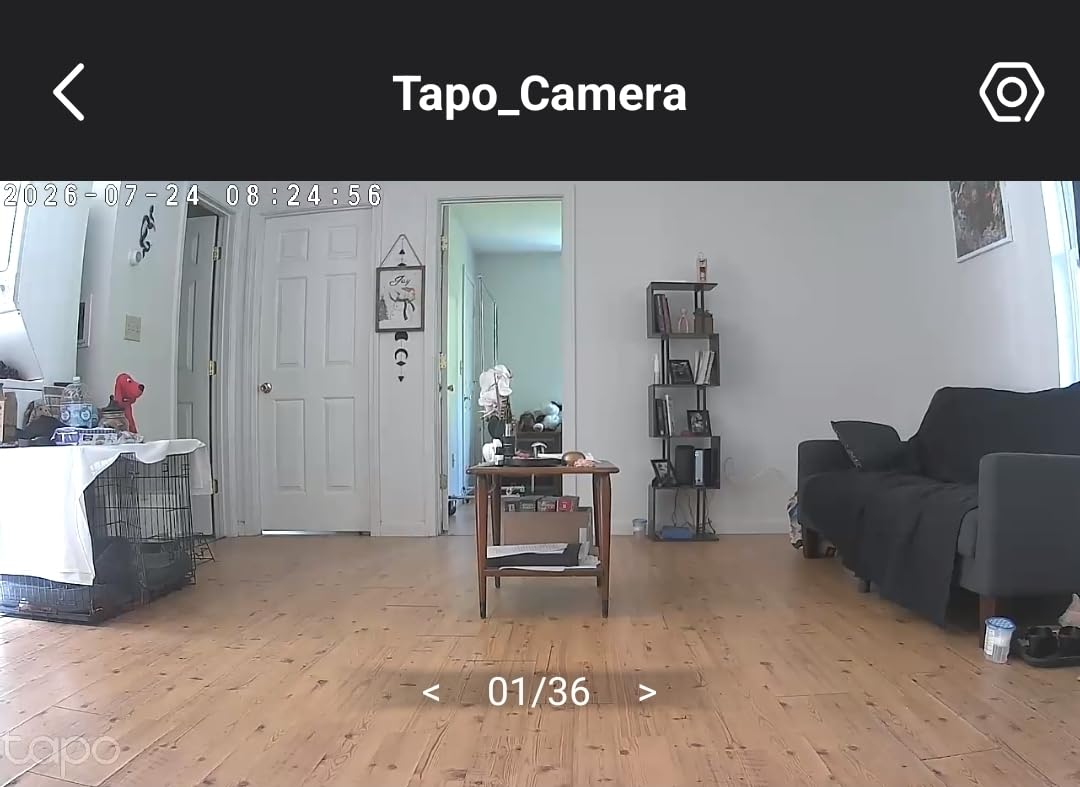
The Tapo C200 is the camera I kept coming back to during this test. It is a small white dome, it weighs 9 ounces, and it screws into a wall plate in about the same time it takes to decide on a wallpaper sample.
The motorised head gives you 360 degrees of horizontal pan and 114 degrees of vertical tilt, which was enough to sweep a full nursery wall, follow a bouncer across the room and land on the changing table without a second camera. The 1080p sensor holds enough detail that I could tell the difference between a muslin wrap and a sleep sack at arm’s length from the screen.
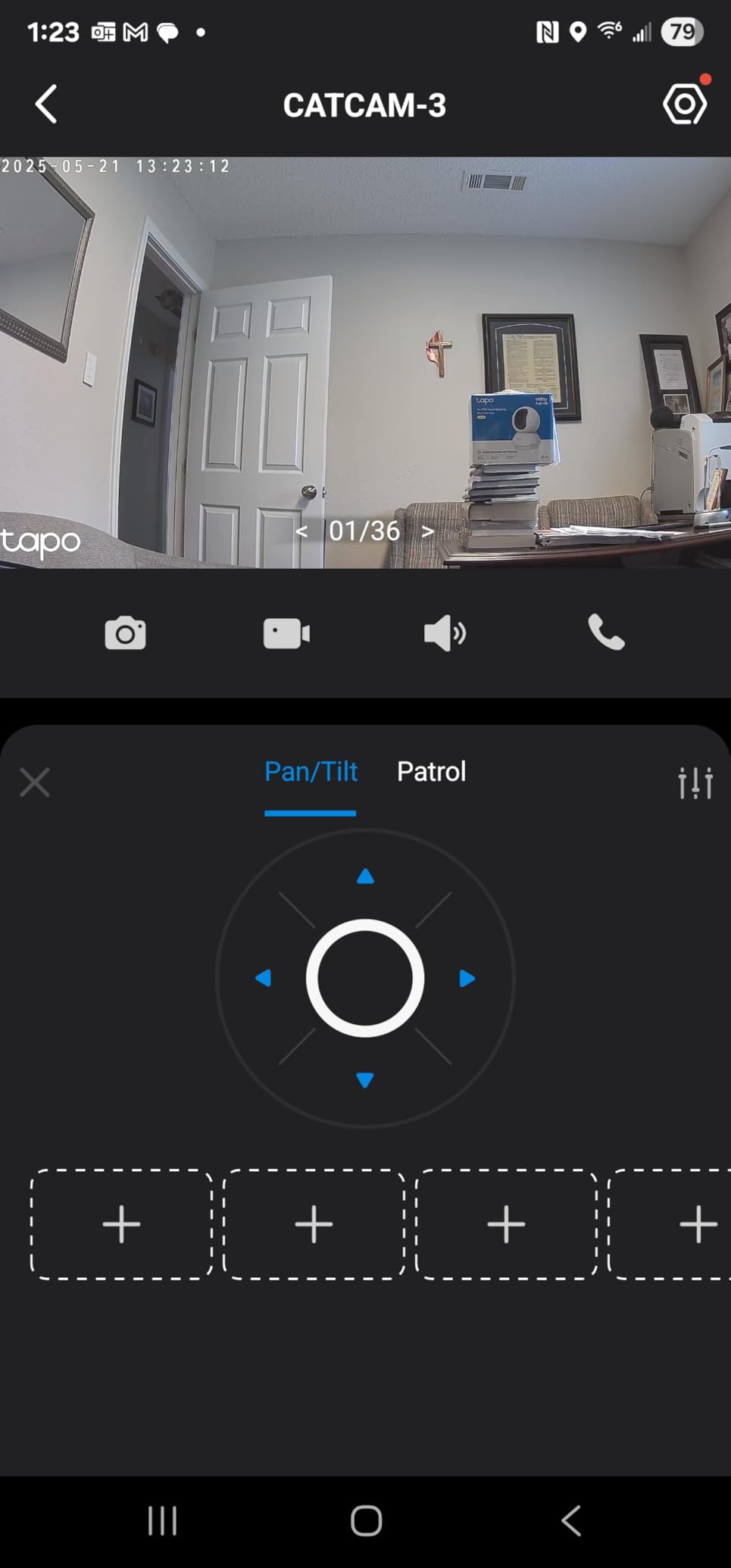
Infrared night vision reaches 40 feet, and in our dark-room test it rendered the cot in flat grey with no hot spot on the wall behind. That flatness is the honest trade-off of infrared: you see shapes and movement, not colour. Motion detection pushes notifications to the phone, and two-way audio plus a sound and light alarm give you a way to talk or soothe without walking in.
Footage goes to a microSD card up to 512 GB, so the daily record stays on the card rather than in someone else’s cloud. The card is not included and has to be formatted inside the app before the camera will write to it, which is the step that catches people out.
Who the Tapo C200 suits best
It suits parents who already live in their phone and want a wide mechanical sweep for one room, plus anyone who plans to keep using the camera after the nursery years end. The 40k-plus reviews behind it make it the most-proven option in this group, and the picture quality holds up next to far costlier security cameras.
Where it falls short
It is corded only, so an outage ends the feed, and 1080p is not enough resolution for parents who want to judge chest rise from a phone at arm’s length. There is also only one viewpoint at any moment. If you want to see the cot and the doorway at the same time, this is the wrong tool.
2. Best Pan and Tilt Baby Monitors for Nurseries: Kasa EC70 Review
Kasa 1080p Indoor Pan/Tilt Wired Security Camera, Baby & Pet Monitor, EC70
1080p video
360 degree pan with patrol mode
Night vision to 30 ft
MicroSD to 256 GB
The Good
- Entry-level cost for a 1080p pan and tilt nursery camera
- Quiet pan motor that will not wake a sleeping baby
- Patrol mode rotates through up to four saved viewpoints
- Local microSD recording avoids a mandatory subscription
- Signal holds up far from the router
The Bad
- Two-way and room audio pickup is weak and sometimes garbled
- App pan and tilt commands can lag by about a second
- No zoom and limited movement range for a single room
The Kasa EC70 shares a motorised head design with the Tapo C200 and adds something the C200 lacks: patrol mode, where the camera rotates on its own through up to four saved viewpoints. Set that up before a nap and the camera surveys the whole room while your phone stays in your pocket.
The 120 degree field of view is the widest in this roundup, and 1080p full HD streaming is smooth in the app. Multiple owners run several of these around the house, and the signal held together in a long hallway with two walls and a closed door between camera and router.
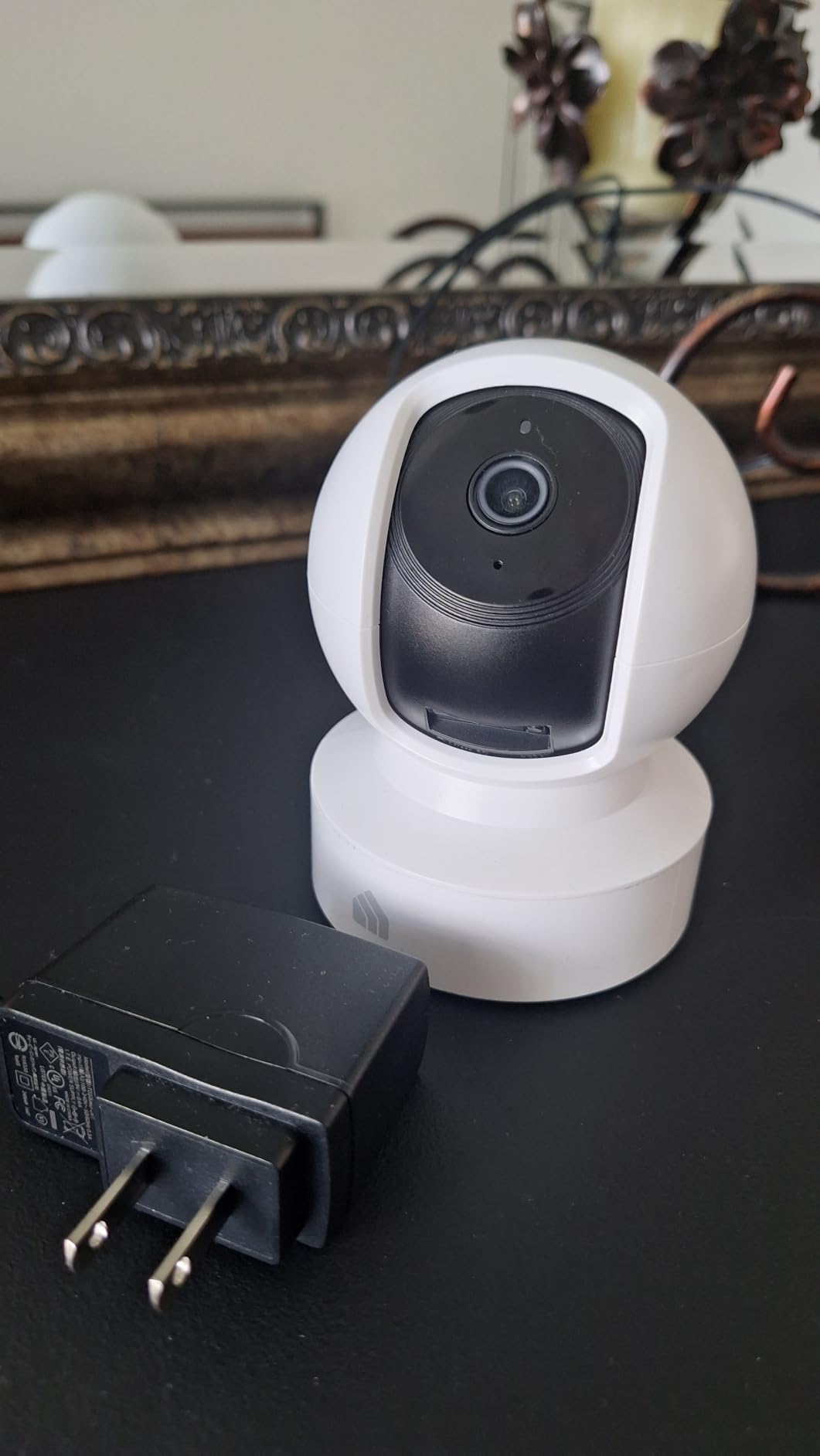
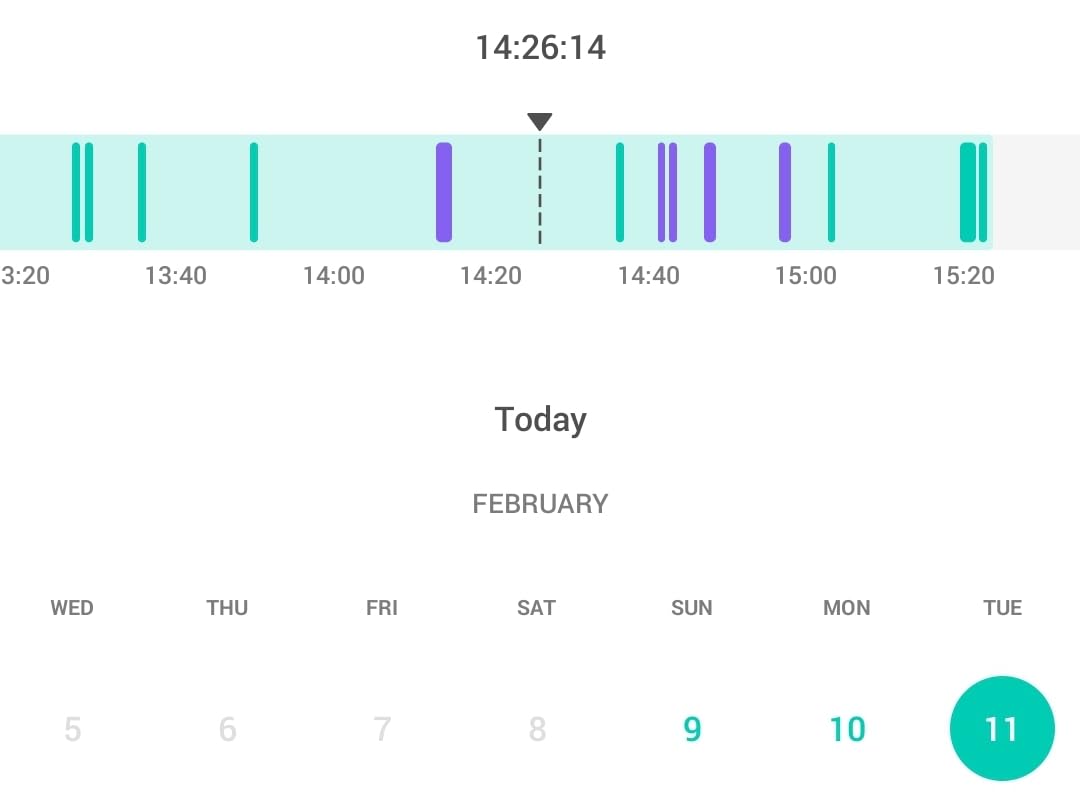
Local microSD recording up to 256 GB is the reason I rate this so highly for value. The optional cloud plan exists for 30-day video history, but nothing in the daily monitoring path requires it. Motion and sound detection cover the same 30 feet as the night vision.
Audio is the weak link. Reviewers repeatedly describe the two-way talk as usable for speaking to a child while the room pickup comes back soft or garbled, so this is a see-more-than-hear camera. Smart Actions can also link it to other Kasa devices, which is handy if your household is already in that ecosystem.
Who the Kasa EC70 suits best
It suits a second nursery, a playroom, a garage or a pet camera duty where the priority is a wide mechanical sweep and local recording. Reviewers also praise TP-Link support as one of the more responsive in this category when Wi-Fi or orientation questions come up.
Where it falls short
Digital zoom only, no optical zoom, and movement limited to a single room. Activity zones can drift out of position in larger setups, night vision is defeated by window glass reflections, and that one-second command lag is noticeable when you are steering quickly.
3. Best Pan and Tilt Baby Monitors for Nurseries: VTech VM923 Review
VTech Baby Monitor, No WiFi Secure Transmission – 19-Hour Battery, 2.8″ Screen, Pan Tilt Zoom, Night Vision, 1000ft Range, Temperature Sensor, 2-Way Talk | VM923
360 degree pan, 132 degree tilt
19 hour parent unit battery
No WiFi FHSS link
2.8 inch screen
The Good
- 19 hours of continuous video on one charge
- No WiFi
- app
- cloud or account to set up
- 360 degree pan and 132 degree tilt from the handset
- Very strong microphone pickup for cries and rustling
- Accurate on-screen nursery temperature
The Bad
- Only a 2.8 inch screen for a 480p picture
- Lowest brightness setting is still bright in a dark room
- No on-screen clock and corded camera only
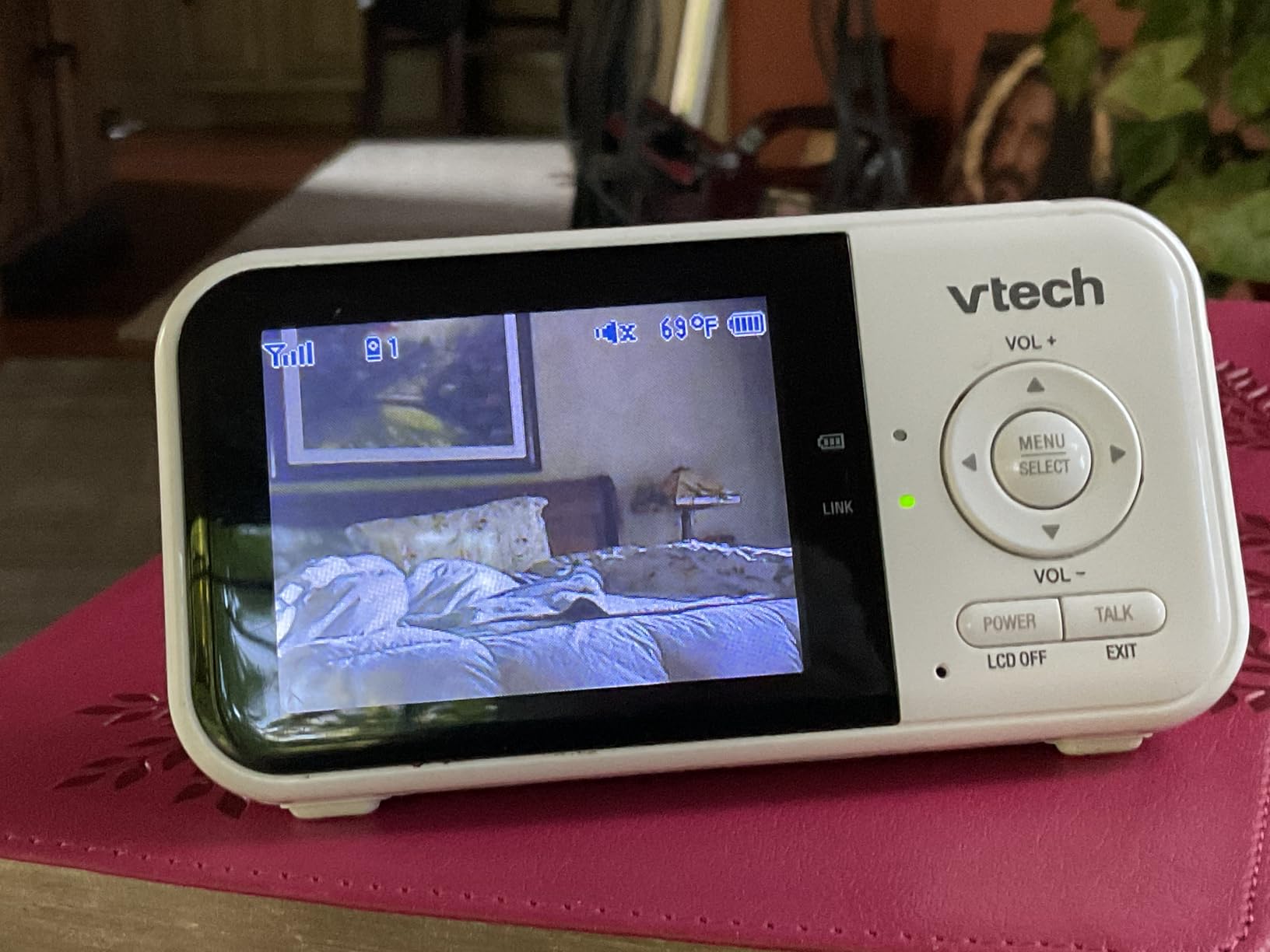
Twenty-four thousand reviews, most of them from families who report years of daily use with no dropouts. The VM923 is the closed-system counterweight to every Wi-Fi camera in this list: nothing leaves the house, there is no account, and the transmission runs over an encrypted 2.4 GHz FHSS link straight from camera to handset.
The mechanical travel is genuinely full-room. 360 degrees of pan and 132 degrees of tilt from the parent unit, with up to 1.33x digital zoom, is enough to move from the head of the cot to the door without standing up.
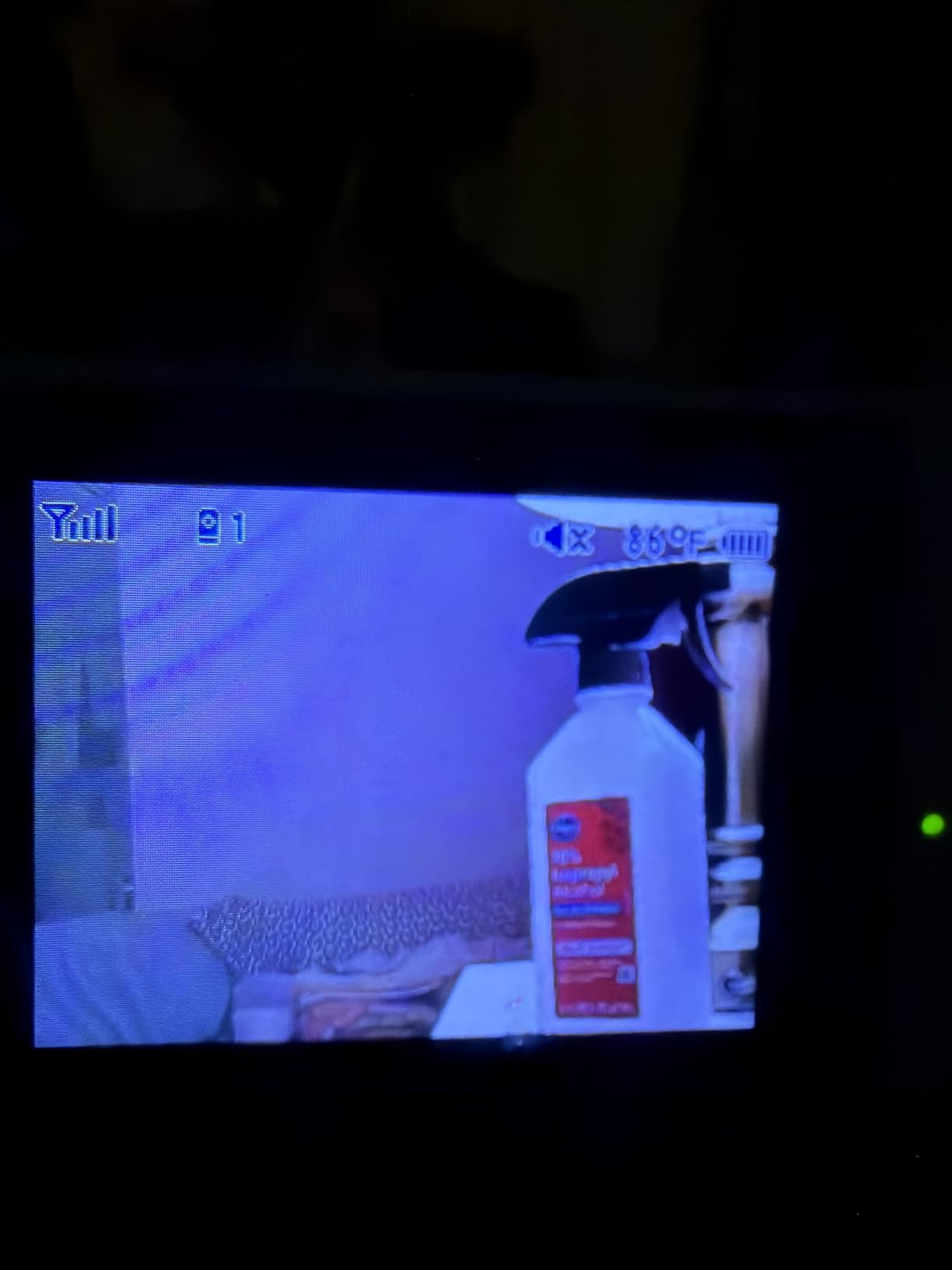
The 19-hour battery is the headline. In our overnight drain the parent unit ran past a full night on a single charge with video on continuously, which changes how you use the thing. Sound-activated (VOX) screening, two-way talk, lullabies, white noise and a nursery temperature readout with alerts round out a feature set that most costlier Wi-Fi units do not match.
The honest weakness is the screen. At 2.8 inches with 480p video, this is a handset you carry, not one you study. The microphone is strong enough that many owners simply leave the screen off and listen, which is exactly how most parents use a baby monitor at three in the morning.
Who the VTech VM923 suits best
It suits parents who want zero attack surface, minimal tech, and a monitor that survives being dropped in a bag for a week of travel. Grandparents and babysitters find a single-purpose handset with physical buttons far easier than an app, and many families buy a second unit for the grandparents’ house.
Where it falls short
The 480p picture and small display will frustrate anyone hoping to see breathing detail, and the dimmest brightness setting is still bright in a pitch-dark room. The camera is corded only, so a power cut ends the feed, and there is no on-screen clock.
4. Best Pan and Tilt Baby Monitors for Nurseries: HelloBaby HB6550-2 Review
HelloBaby HB6550-2 5″ Dual Camera Baby Monitor No WiFi, Pan Tilt Zoom
Two pan/tilt cameras
355 degree pan, 120 degree tilt
5 inch IPS screen
30 hours in ECO mode
The Good
- Two pan tilt zoom cameras on one 5 inch IPS screen
- Single-view auto scan instead of tiny split-screen tiles
- No WiFi means no hacking risk and no internet dependency
- Battery that survives a night or a forgotten charge
- Clear audio with no static and pre-paired cameras
The Bad
- Volume adjustment lives in the menu rather than dedicated buttons
- Screen graphics feel low-resolution even though the image is clear
- Cameras are designed to be wall or crib mounted
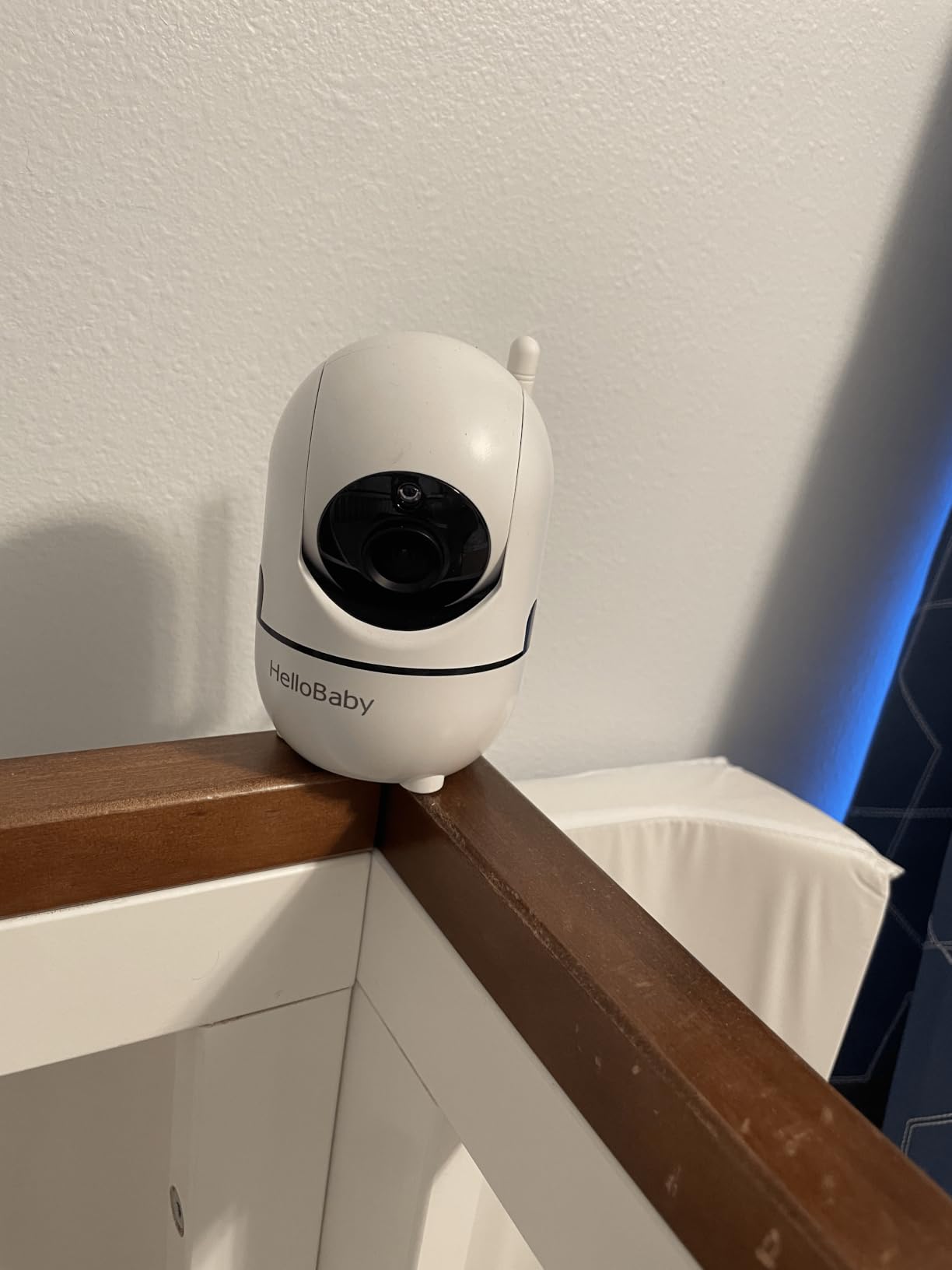
This is the one to buy for twins or two children in separate rooms. The HB6550-2 ships with two pre-paired cameras, each with 355 degrees of remote pan, 120 degrees of tilt and 2x zoom, driving a 5-inch 178 degree IPS display.
What we liked most is the single-view auto scan. Instead of splitting the screen into two small tiles with mixed audio, the monitor cycles between the two full-size feeds. It is a small design decision that removes the single most common complaint parents raise about split-screen systems, where you cannot tell which room a sound came from.
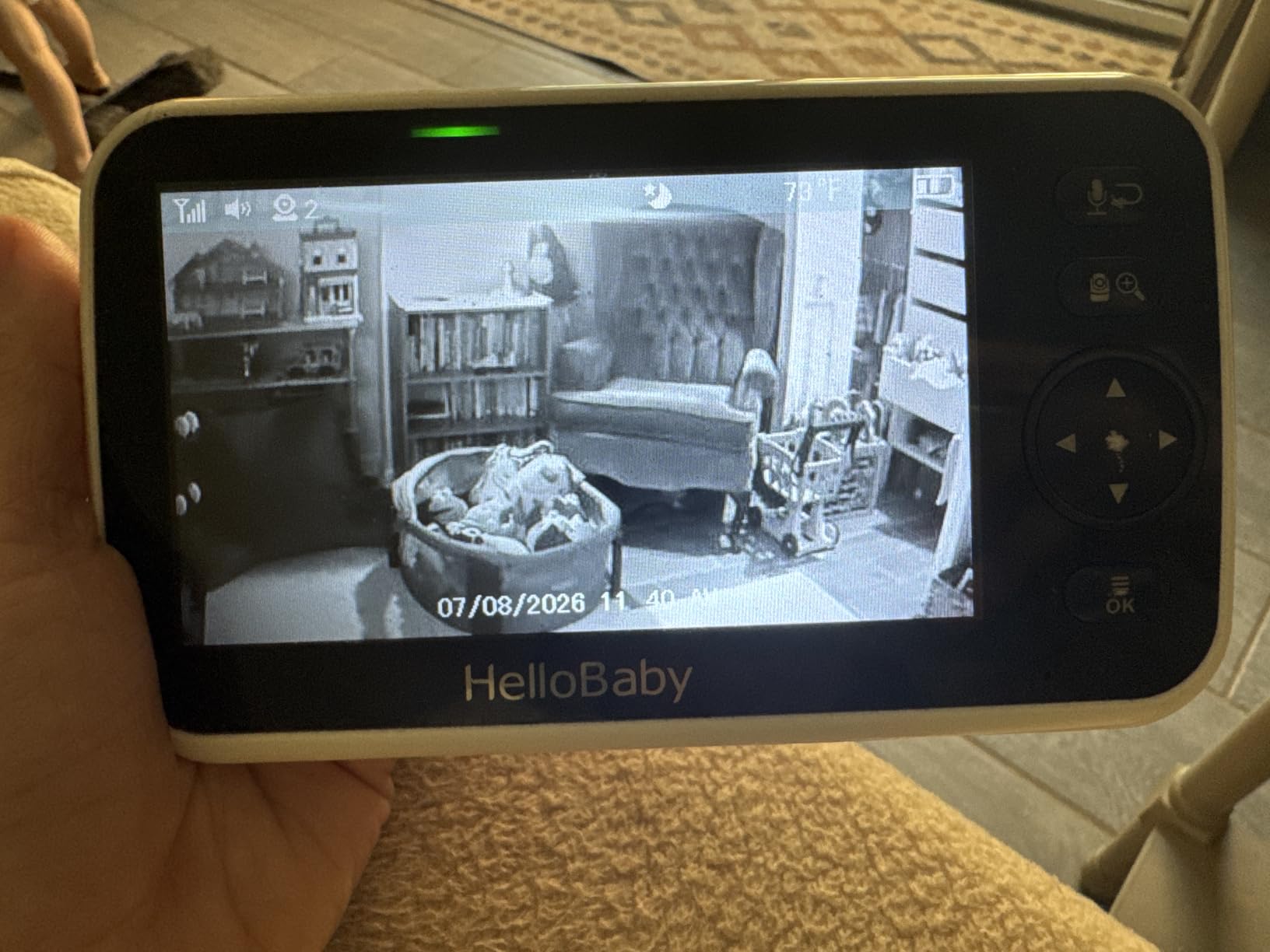
Connection is 2.4 GHz FHSS with no WiFi, so there is no app and nothing to hack. Range reaches 1000 ft outdoors with the extended antenna, and the system expands to four cameras if your family grows. Battery runs up to 30 hours in ECO mode, with a three-level sound LED indicator that shows a crying baby while the volume is down.
Eight built-in lullabies, two-way talk, room temperature monitoring with alerts and automatic infrared night vision complete the set. Owners with two children frequently buy a third or fourth camera and describe the monitor as the one they would buy again.
Who the HelloBaby HB6550-2 suits best
It suits two cots in one room, two rooms for siblings, and families who want one large screen that a sitter can understand in ten seconds. It is also the number one seller in video baby monitors right now, which tells you something about how the category is used.
Where it falls short
Volume control is buried in the menu, which is the most common usability complaint in reviews. The cameras are built to be wall or crib mounted, so tabletop angles are awkward, and the screen graphics look dated next to a modern phone screen.
5. Best Pan and Tilt Baby Monitors for Nurseries: iFamily SM650 Review
iFamily Baby Monitor,5″ Screen with 30Hrs Battery Life,Remote Pan-Tilt-Zoom
Remote pan tilt zoom
5 inch color screen
Invisible infrared night vision
Up to 960 ft range
The Good
- Full-room pan tilt zoom on a large clear 5 inch display
- No WiFi
- no app and no account to create
- Bright invisible infrared that lights the cot without waking baby
- Temperature display
- two-way audio and lullabies included
- Expands to four cameras with auto scan
The Bad
- Image and audio quality are functional rather than premium
- Alerting is audio only with no motion detection
- Camera needs a constant power connection
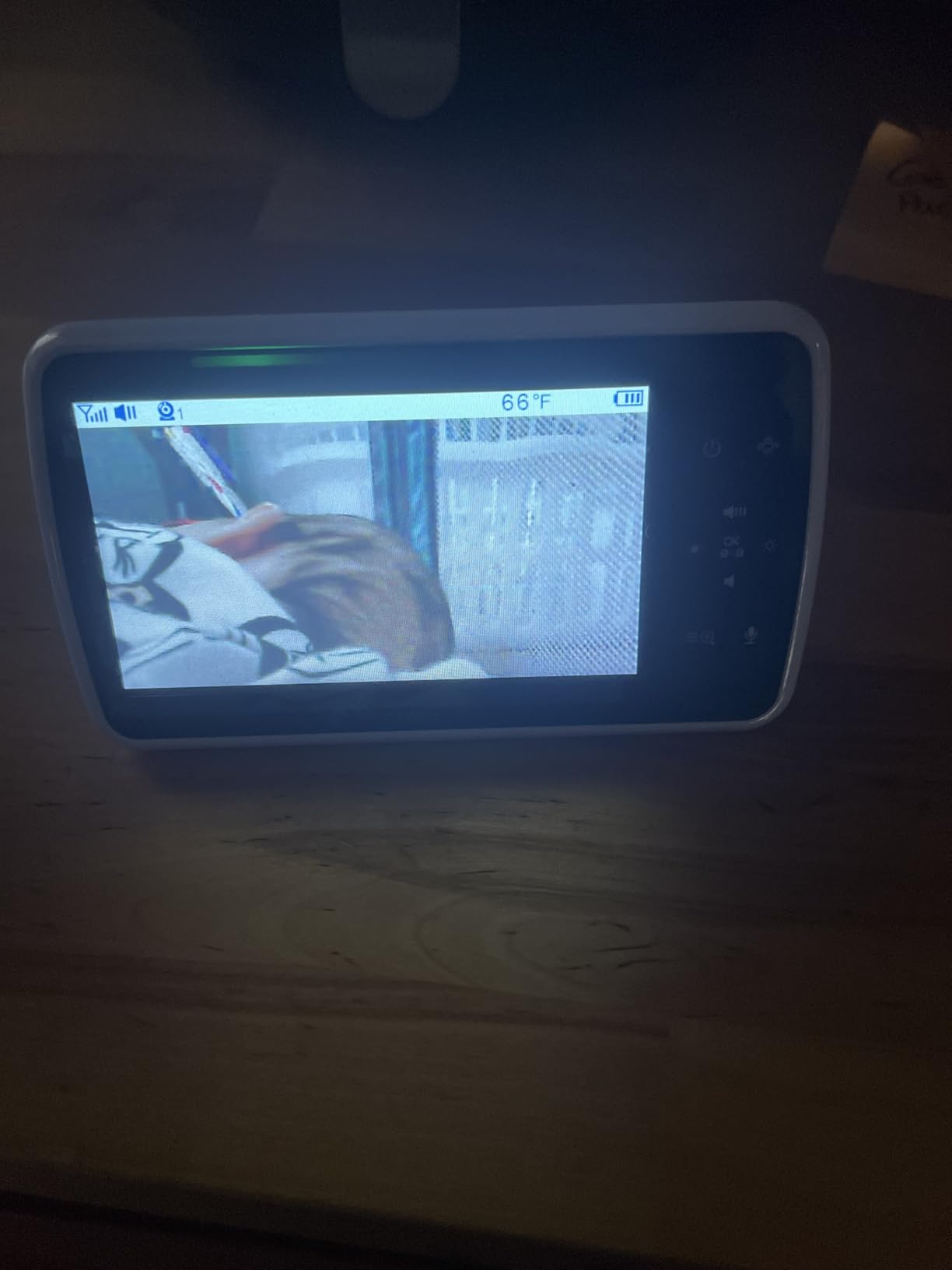
The iFamily SM650 is the straightforward answer for a first nursery camera. It gives you the three things that matter: a mechanical pan, tilt and zoom head, a 5-inch colour screen you can read across a dark room, and a connection that never touches your router.
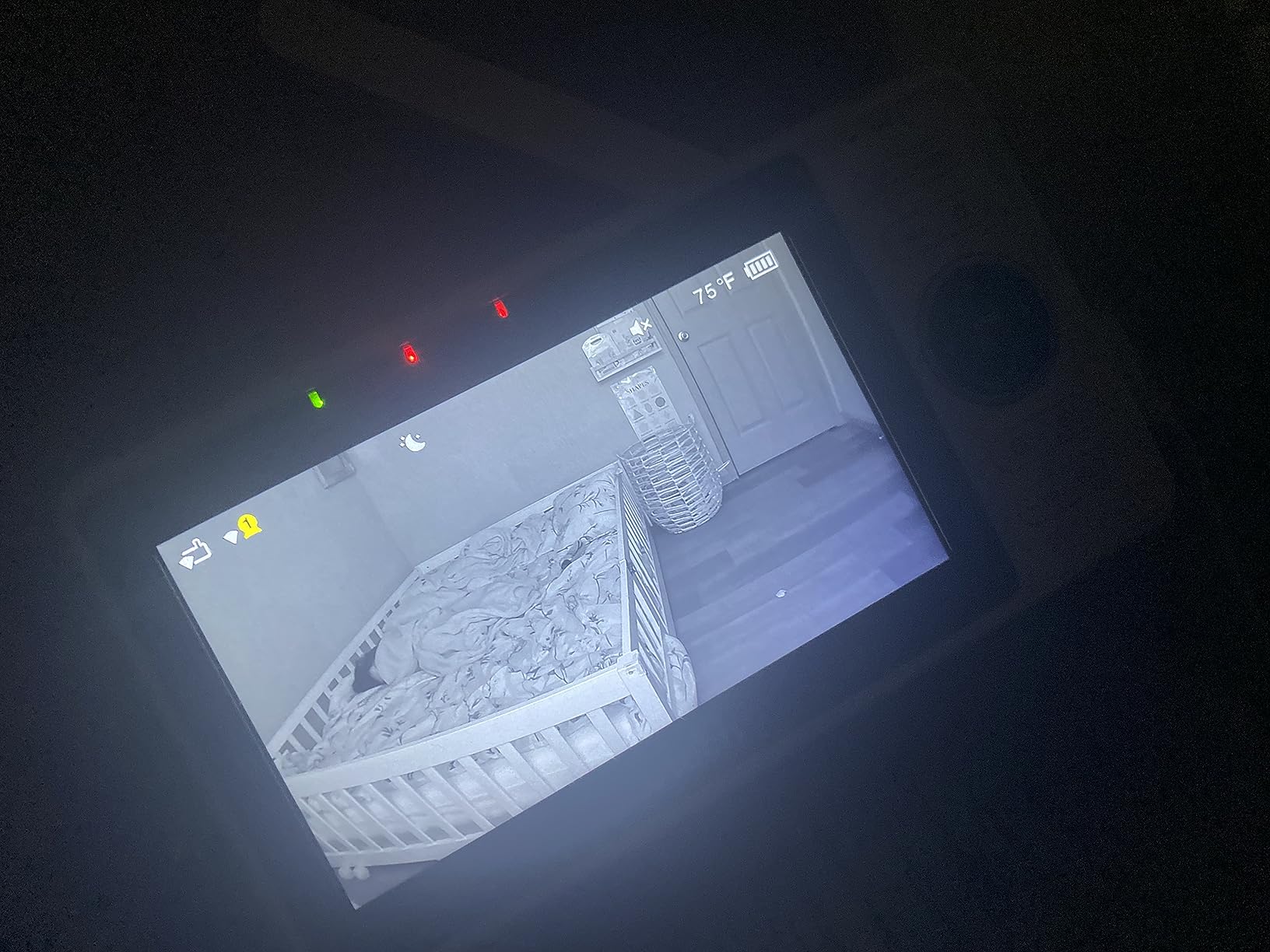
Night vision uses invisible high-powered infrared LEDs, so there is no red glow spilling into the room and nothing to wake a light sleeper. The picture is black and white in the dark and colour in daylight, switching automatically, and the ECO voice-activated mode extends the battery by blanking the screen when the room is quiet.
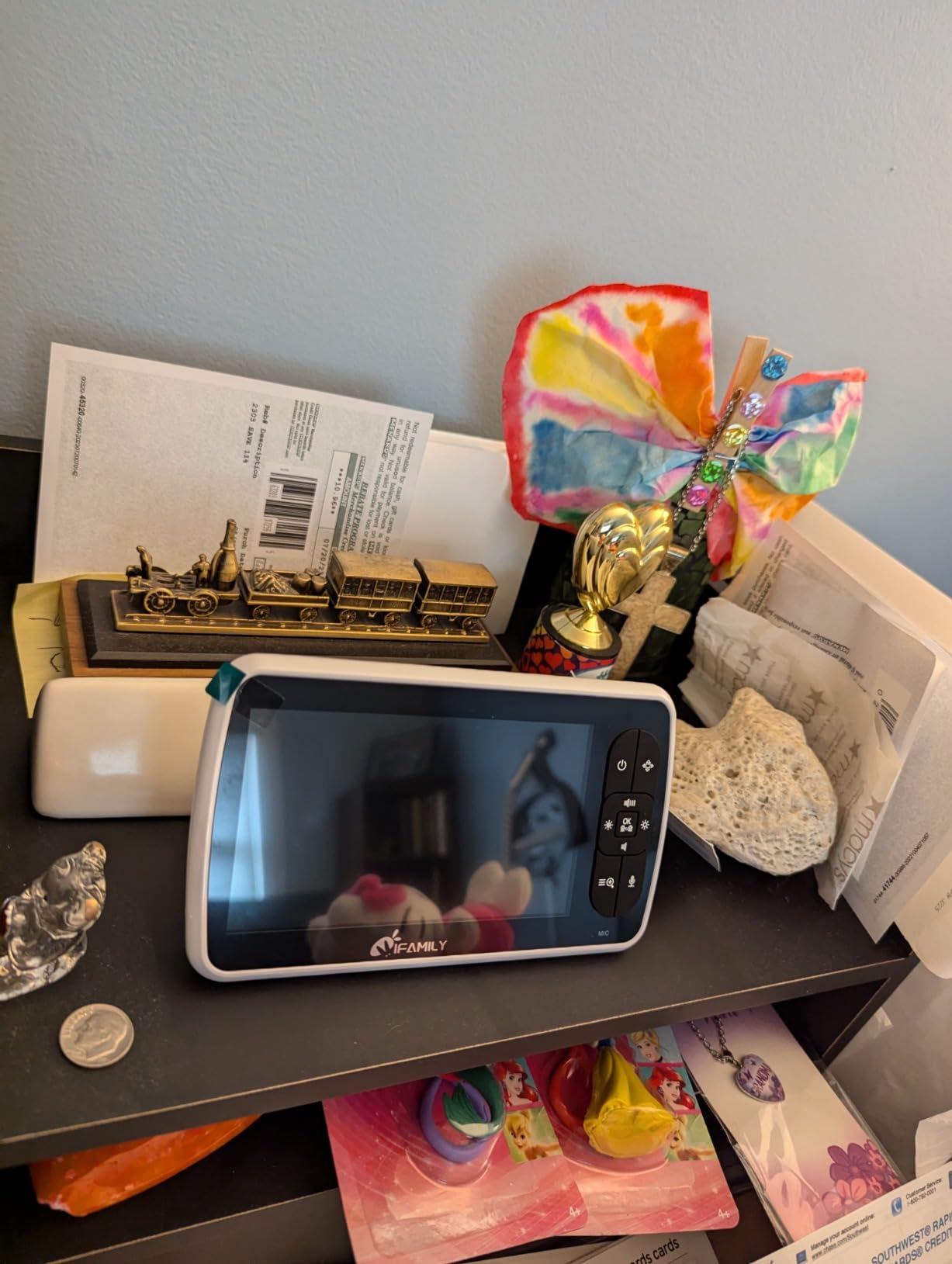
Range is up to 960 ft and the system expands to four cameras with an auto scan view, which makes it a reasonable one-unit solution for a house with a nursery and a toddler room. Room temperature display, two-way audio, instant-play lullabies, disconnection notification, an alarm and a timer are all included.
Buyers consistently frame it as a monitor that does the essentials without fuss, and the review base of nearly 10k is enough to see a stable pattern rather than a launch-week spike. Compared with the VTech and HelloBaby units, picture and sound are a tier below, but the feature set does not feel thin.
Who the iFamily SM650 suits best
It suits parents moving from an audio monitor to their first video unit, and anyone who wants a large screen and real mechanical movement without setting up an account or a phone app. Wall mount or tabletop placement both work, so it is flexible in a small room.
Where it falls short
Alerts are audio only, with no motion detection notifications, and the camera has to sit near a wall socket. The brand has a smaller review base than VTech or HelloBaby, and picture and audio are honest rather than premium.
6. Best Pan and Tilt Baby Monitors for Nurseries: VTech VM901 Review
VTech Smart WiFi Baby Monitor – See Your Baby at Home or from Anywhere, Free App, 1080p Camera, 5″ Screen, Pan-Tilt-Zoom, Night Vision, Two-Way Talk | VM901
1080p camera
5 inch HD parent unit
Pan tilt from unit or app
Free shareable app
The Good
- Dedicated 5 inch parent unit so you are not staring at your phone
- App sharing for a partner
- grandparent or sitter at no cost
- Pan
- tilt and zoom from both the handset and the app
- Automatic day and night switching
- Motion
- baby-stir and temperature alerts
The Bad
- WiFi dependency brings setup and connection issues
- 4.1 rating is the second lowest here with 13 percent one-star reviews
- Needs a phone and an account alongside the handset
The VM901 is a hybrid in the truest sense. You get a 5-inch HD parent unit that sits on the bedside table, plus the free MyVTech Baby app so you can check the same camera from work. The 1080p camera is one of the sharper in this roundup, and pan, tilt and zoom respond to both the handset buttons and the phone.
For us, the handset is the reason this still works at 3 a.m. A monitor you have to unlock, open an app and find in a list is a monitor you stop using. Here you press a button and the picture is there.
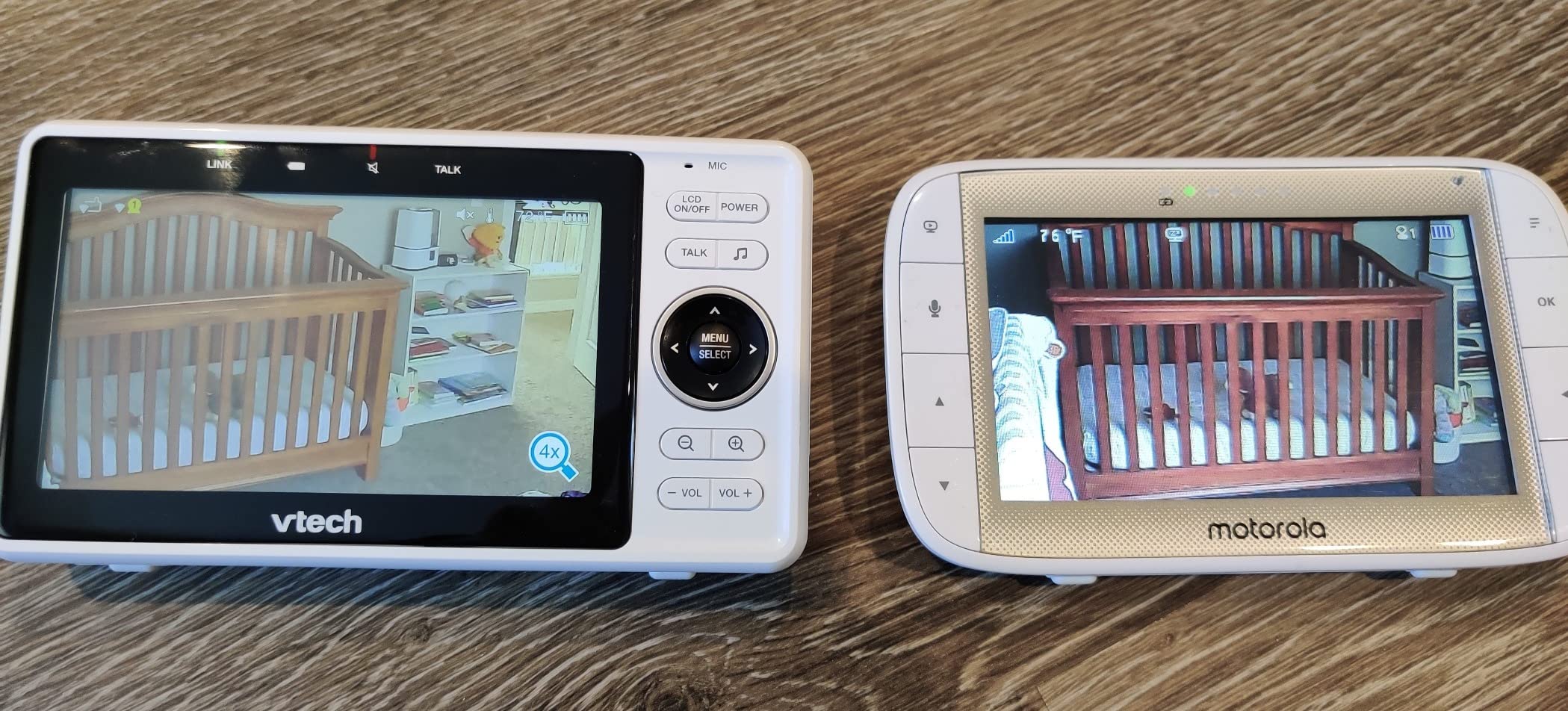
App sharing is the quiet superpower. A partner, a grandparent or a babysitter can watch remotely at no cost and no separate subscription, which solves the hand-me-the-handset problem without buying a second monitor. Baby-stir, motion and nursery temperature alerts go to both the phone and the parent unit, and two-way talk works from any room.
The 4.1 rating is the second lowest here, and the distribution shows why: 13 percent one-star reviews against 66 percent five-star. The complaints cluster on app setup friction, WiFi reliability and network issues rather than on the camera mechanics, which is the usual trade for a connected device.
Who the VTech VM901 suits best
It suits parents who want a screen at home and phone access away from home without a subscription, and households where a grandparent or sitter needs a login rather than a device. Soothing sounds, lullabies and automatic night switching round out a feature set that works without fiddling.
Where it falls short
Everything remote depends on your network. If the router drops, the camera and handset stay fine but the app does not, and that dependency is the reason the rating sits where it does. The camera is corded and the unit itself has no battery field testing praise, so treat it as a home monitor first.
7. Best Pan and Tilt Baby Monitors for Nurseries: Babysense HD 5-Inch Review
Babysense HD 5″ Video Baby Monitor with Camera and Audio, No WiFi/App, Secure Closed-Loop, Night Vision, Pan-Tilt-Zoom, VOX Audio Alerts, White Noise & Lullabies, Up to 1000 ft Range, 20-Hour Battery
350 degree pan, 90 degree tilt
5 inch IPS, 720p video
Dimmable night light
20 hours in ECO mode
The Good
- Deepest travel in the group at 350 degree pan and 90 degree tilt with 4x zoom
- Adjustable dimmable night light you can steer toward the cot
- No WiFi
- no app and no cloud for a private closed loop
- Clear daytime picture and solid black and white night vision
- Expands to four cameras with split screen
The Bad
- 720p has a slight white haze at night
- One year warranty so later failures fall outside coverage
- Uses a proprietary cable rather than USB-C
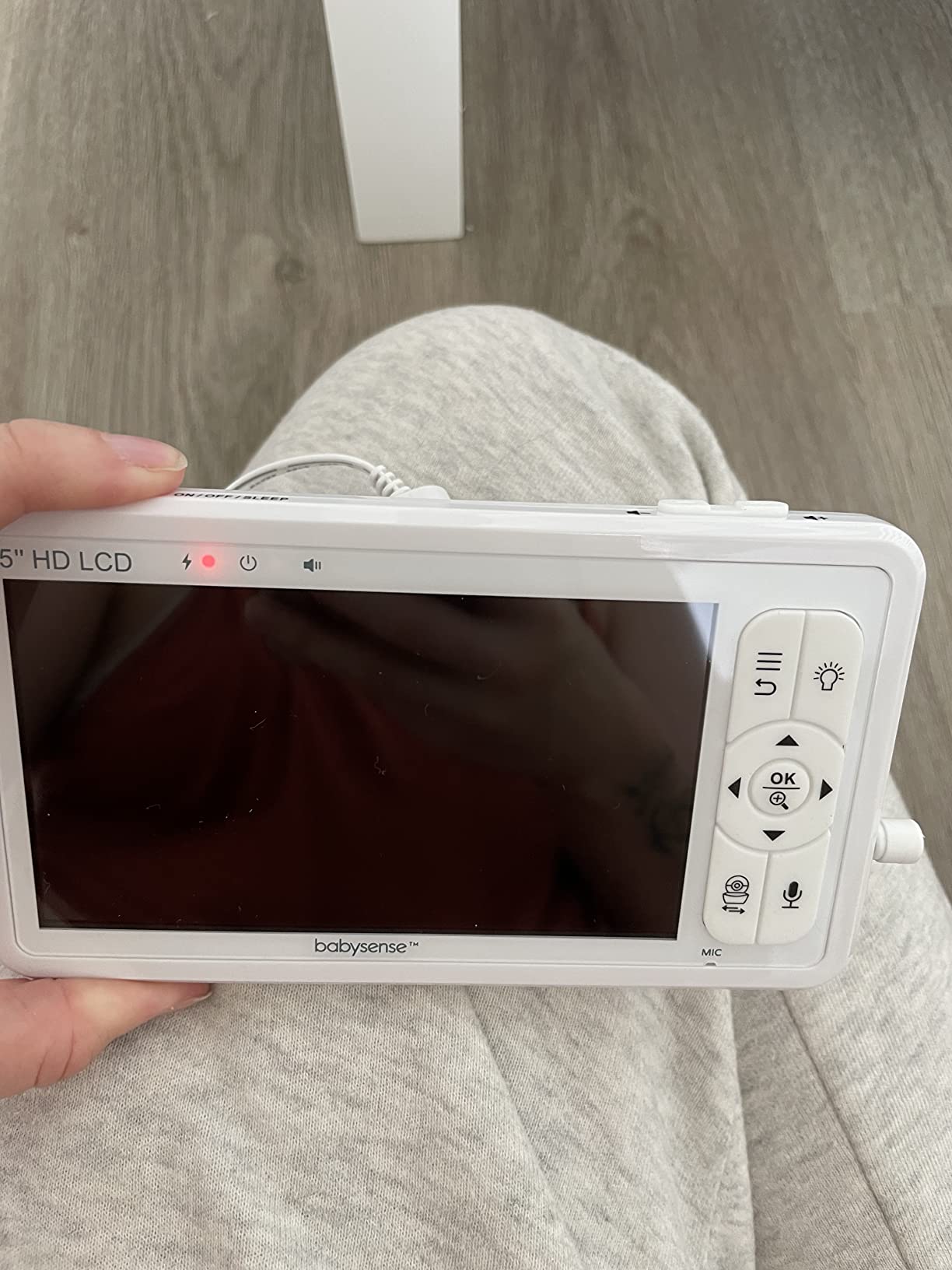
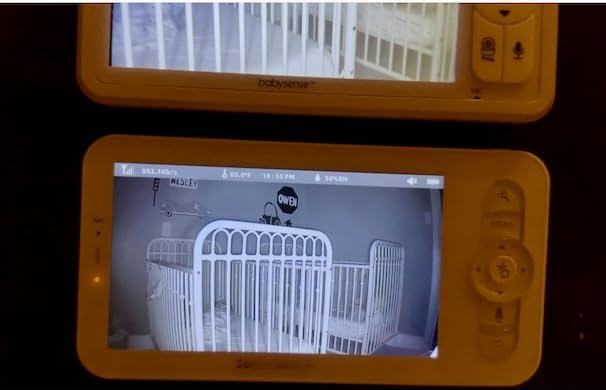
The Babysense HD covers the most floor with one camera. 350 degrees of pan and 90 degrees of tilt from a 5-inch IPS parent unit, plus 4x digital zoom, means the lens reaches the cot, the door and the changing table in one sweep without a second unit.
The feature nobody else in this list has is the adjustable dimmable night light built into the camera head. It is genuinely useful: you can aim a low glow toward the wall rather than the cot when settling, and it removes the need for a separate night light that might sit in the baby’s sightline.
Connection is a closed-loop 2.4 GHz FHSS signal with no WiFi and no app, and battery runs up to 20 hours in VOX and ECO mode or about 12 hours with continuous viewing. In our test the range held across a two-floor home and out into the garden, which is more than most 1000 ft claims deliver indoors.
Multiple-camera households get split screen and scan modes, plus white noise, lullabies, two-way talk and a room temperature display. Parents with several children describe the same unit serving a run of nurseries over years, which is a durability signal in itself.
Who the Babysense HD suits best
It suits a larger nursery, a room that doubles as a play space, and parents who want a single camera to cover the cot and the door. Support is repeatedly described as resolving failures with free replacements, which matters for a product with a one-year warranty.
Where it falls short
The 720p picture carries a slight white haze at night next to a 1080p model, and the night-light button sits where it is easy to press by mistake and wake the baby. A minority of owners report battery, charging-port or high-pitched noise faults, and the proprietary cable is annoying to replace.
8. Best Pan and Tilt Baby Monitors for Nurseries: Infant Optics DXR-8 PRO Review
Infant Optics DXR-8 PRO – Patented Active Noise Reduction (ANR), 5” HD Video Baby Monitor with 1 Camera, No WiFi, Hack-Proof,Pan Tilt Zoom, Interchangeable Lens
Patented Active Noise Reduction
Interchangeable lenses
5 inch 720p monitor
Replaceable battery
The Good
- Highest average rating in the group at 4.6 with 83 percent five-star
- Active Noise Reduction filters fans
- HVAC and white noise out of the audio
- Only pick here with swappable lenses including an optical zoom lens
- User-replaceable battery extends the life of the unit
- No WiFi
- no app and no cloud at all
The Bad
- 720p resolution is below the 1080p WiFi options
- Wide-angle lens is a separate purchase
- Only one camera is included
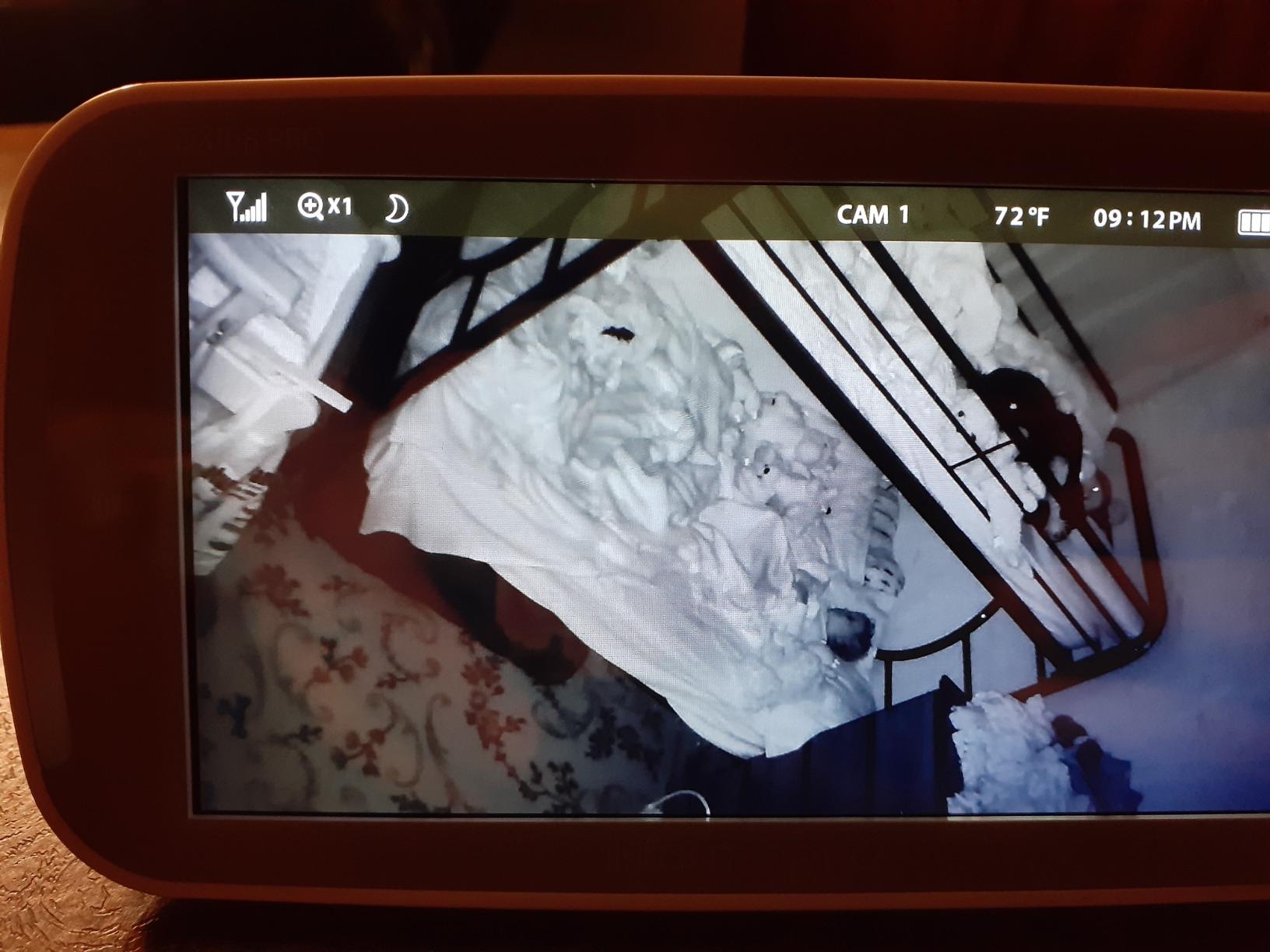
This is the best-reviewed monitor in the roundup, with a 4.6 average and 83 percent five-star reviews. It is also the one I recommend most often to friends, for a reason that has nothing to do with picture quality: the patented Active Noise Reduction filters out the fan, the air conditioner, the heater and the white noise machine, so the only sound left is the baby.
That single feature changes the whole experience of a night-time check. Instead of holding the volume up to maximum and straining to pick a cry out of a fan, you turn the volume down and hear the room. In a nursery with a white noise machine on all night, it is a bigger practical upgrade than moving from 720p to 1080p.
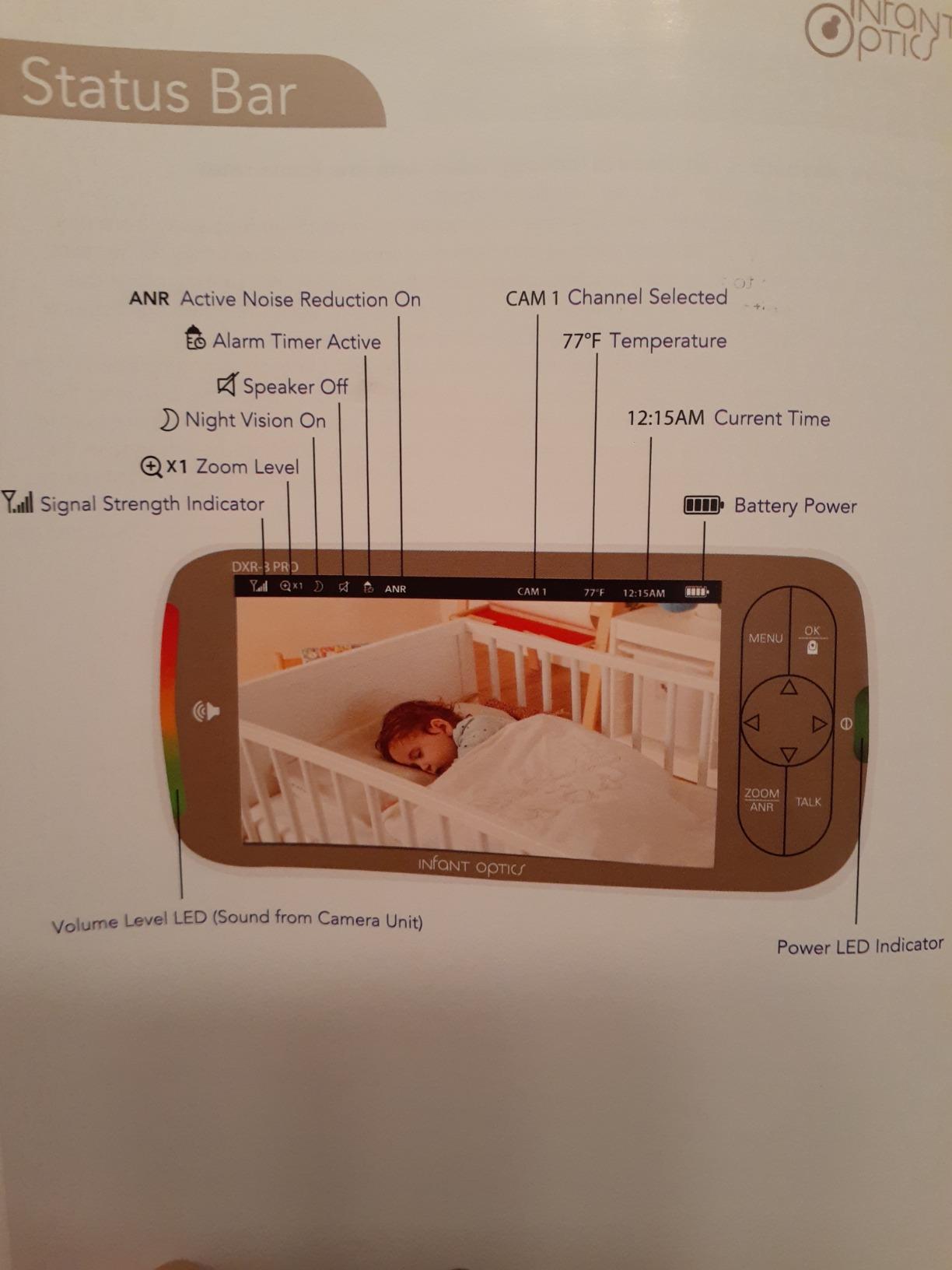
The interchangeable lens system is the other unusual feature. A standard lens and an optical zoom lens are included, and a wide-angle lens is sold separately, so you can change what the camera sees instead of buying another unit. One-button remote pan, tilt and zoom on the 5-inch monitor means you never open the nursery door to re-aim.
The battery is user-replaceable, which is the durability answer to a problem most parents only meet in year three. The direct FHSS camera-to-monitor signal means no WiFi, no app, no cloud and no account, so there is nothing to hack and nothing to keep updated.
Who the Infant Optics DXR-8 PRO suits best
It suits parents in noisy rooms, especially anyone running a white noise machine or HVAC, and anyone who plans to keep a monitor for years rather than seasons. The replaceable cell and swappable lenses are the two features that make a monitor a long-term purchase rather than a disposable one.
Where it falls short
720p video trails the 1080p Wi-Fi options, and the wide-angle lens that would suit a large nursery is a separate purchase. The package includes a single camera, so a second room means another unit. It is also the most expensive monitor here, and the warranty terms are not clearly stated.
9. Best Pan and Tilt Baby Monitors for Nurseries: VTech RM7764HD Review
VTech RM7764HD 1080p WiFi Remote Access Baby Monitor, 360° Pan&Tilt, 7” 720p HD Display, HD Night Vision, Soothing Sounds, 2-Way Talk, Temperature Sensor, Motion Detection, iOS & Android
1080p camera, 7 inch display
360 degree pan, 10x zoom
Local and app viewing
Motion-triggered clips
The Good
- Largest dedicated display here at 7 inches with a 1080p camera
- 360 degree pan and 10x zoom for deep magnification
- Works locally out of the box with no app setup
- Remote viewing through the app carries no monthly fee
- Motion-triggered recording saves up to 30 clips to share
The Bad
- Lowest rating in the roundup at 4.0 with 14 percent one-star reviews
- Smallest review base of the picks at 327 reviews
- Remote features depend entirely on WiFi reliability
The RM7764HD is the only monitor here with a 7-inch screen, and at that size you can watch your baby from across the room without picking the handset up. The camera is 1080p, the pan is 360 degrees, the tilt runs to 110 degrees vertically, and the 10x digital zoom is the deepest magnification in this group.
It is also a genuine hybrid. Plug-and-play direct local mode works out of the box with no app setup, so you have a full local monitor on day one. When you want to check in from elsewhere, the MyVTech Baby Pro app adds remote viewing with no monthly fee, and a 110 degree wide-angle lens widens what the camera can see.
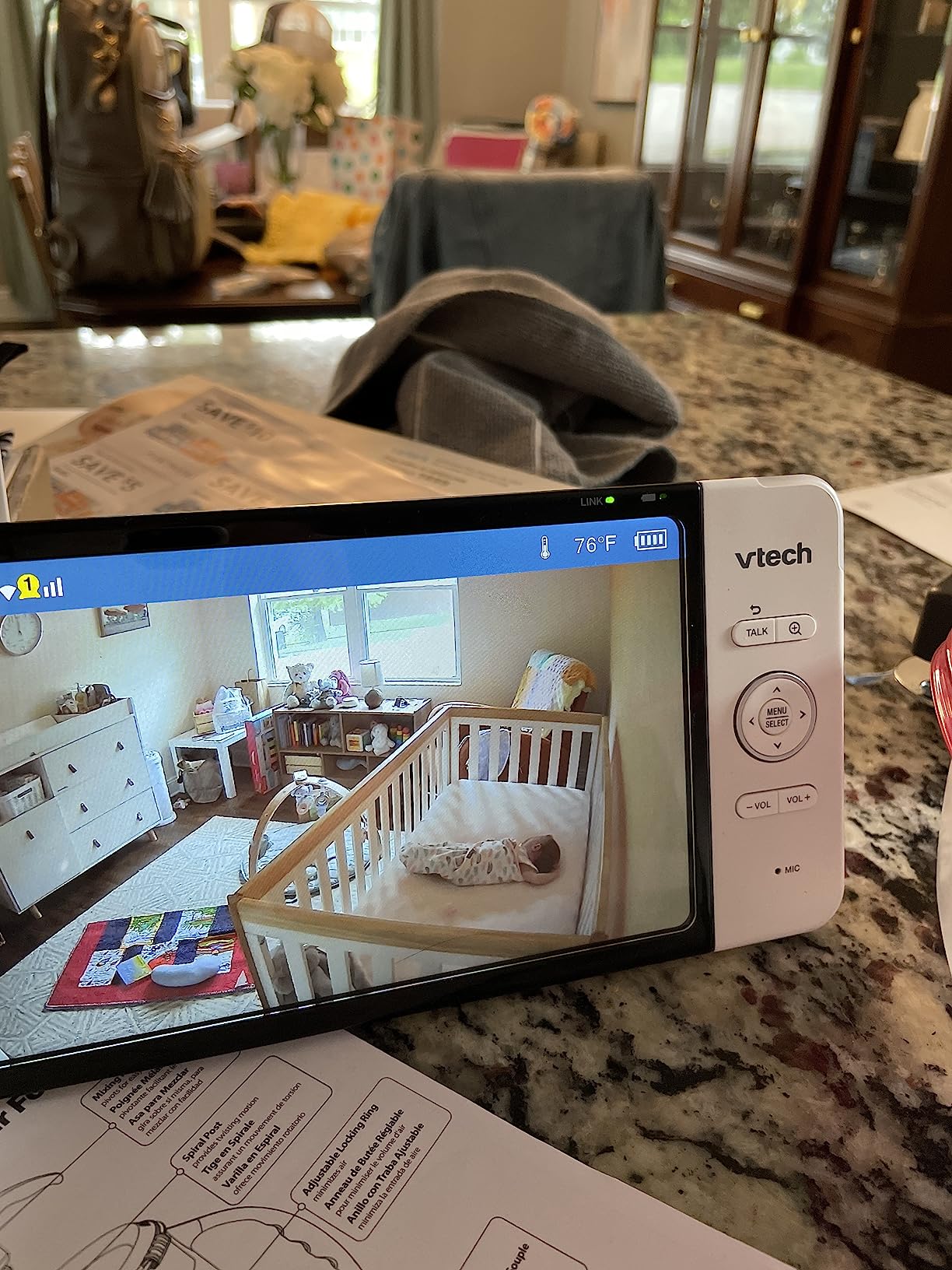
Motion detection with triggered recording keeps up to 30 clips that you can view and share in the app, which is a good middle ground between a live feed and a paid cloud plan. Enhanced automatic infrared HD night vision, soothing sounds, two-way talk and a nursery temperature sensor cover the rest.
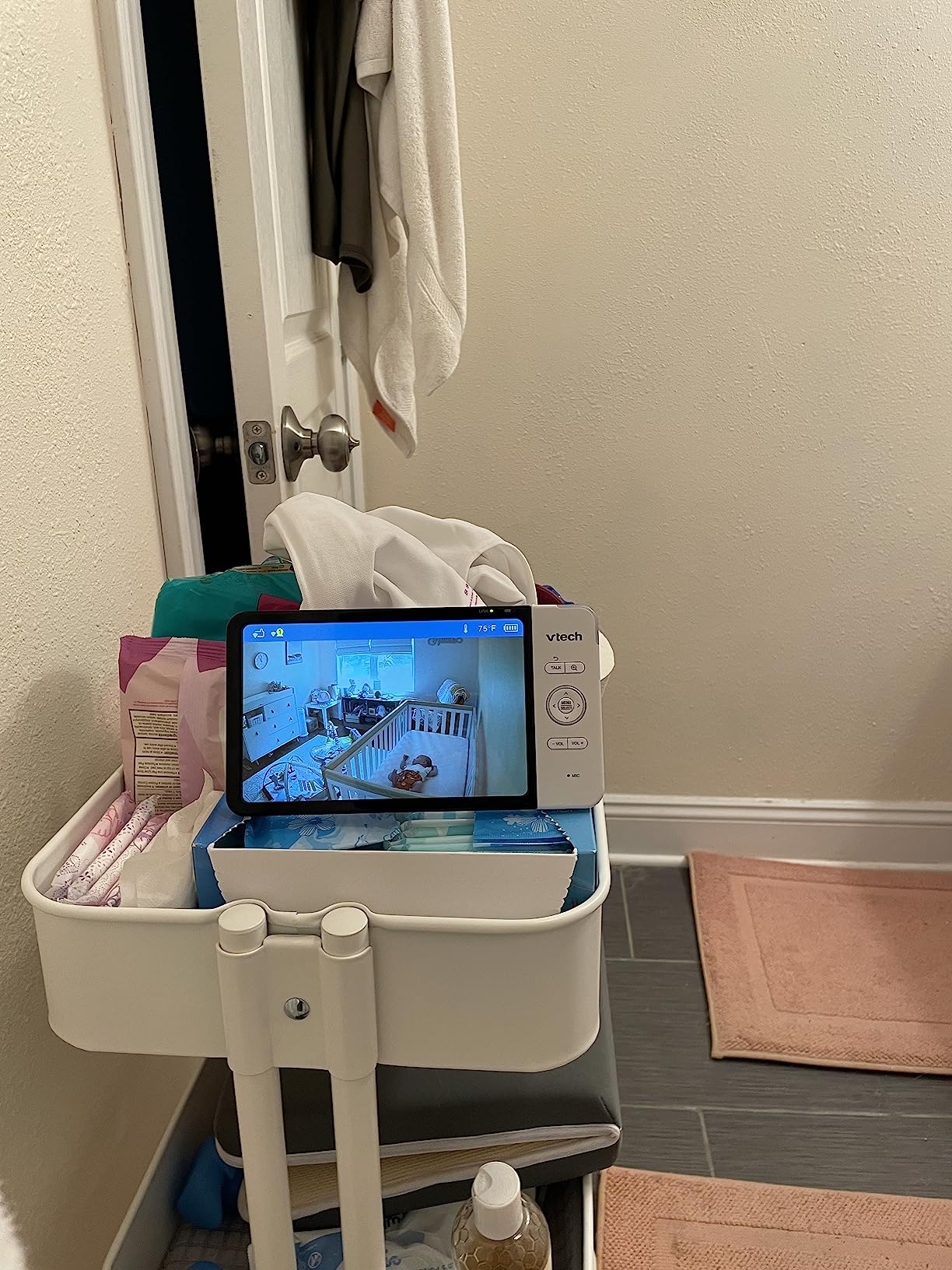
Be careful with the 327-review sample. A 4.0 average with 14 percent one-star reviews is the weakest rating here, and the one-star complaints concentrate on WiFi reliability and the app experience rather than the camera mechanics, which suggests the hardware is sound and the software is the weak link.
Who the VTech RM7764HD suits best
It suits parents who want a screen big enough to leave on a dresser and glance at, and anyone who wants deep zoom to check a sleeping baby without entering the room. The local-first design also means you are not locked into an app to use the monitor at home.
Where it falls short
The thinnest review base in the roundup and the lowest rating, so treat the headline specs with some caution. It is expensive next to closed-system monitors that rate better, and every remote feature depends on your network holding up.
10. Best Pan and Tilt Baby Monitors for Nurseries: OKAIDI 5-Inch Monitor Review
OKAIDI 5″ Screen Pan-Tilt-Zoom Video Baby Monitor with Camera and Audio
318 degree pan, 120 degree tilt
5 inch screen
30 hours ECO, 16 hours screen on
1000 ft encrypted FHSS
The Good
- Reviewers rate picture and sound above far costlier monitors
- 318 degree pan and 120 degree tilt with 2x zoom on a 5 inch screen
- Silent camera rotation will not wake a sleeping baby
- Range holds across three floors of a home
- Support has replaced units even outside the warranty period
The Bad
- Some units stopped holding a charge within under a year
- Camera is not rechargeable and must sit near a socket
- Older and newer versions may not pair together
The OKAIDI is the value pick among the dedicated monitors. Reviewers repeatedly compare it favourably to premium no-WiFi units, describing picture and sound quality as better than devices costing several times more, and noting that the interface is nearly identical to a well-known competing brand.
Mechanically it does not cut corners. 318 degrees of horizontal pan and 120 degrees of vertical tilt with 2x zoom on a 5-inch colour screen is a full-room sweep, and the camera rotates silently so the motor does not wake a light sleeper.
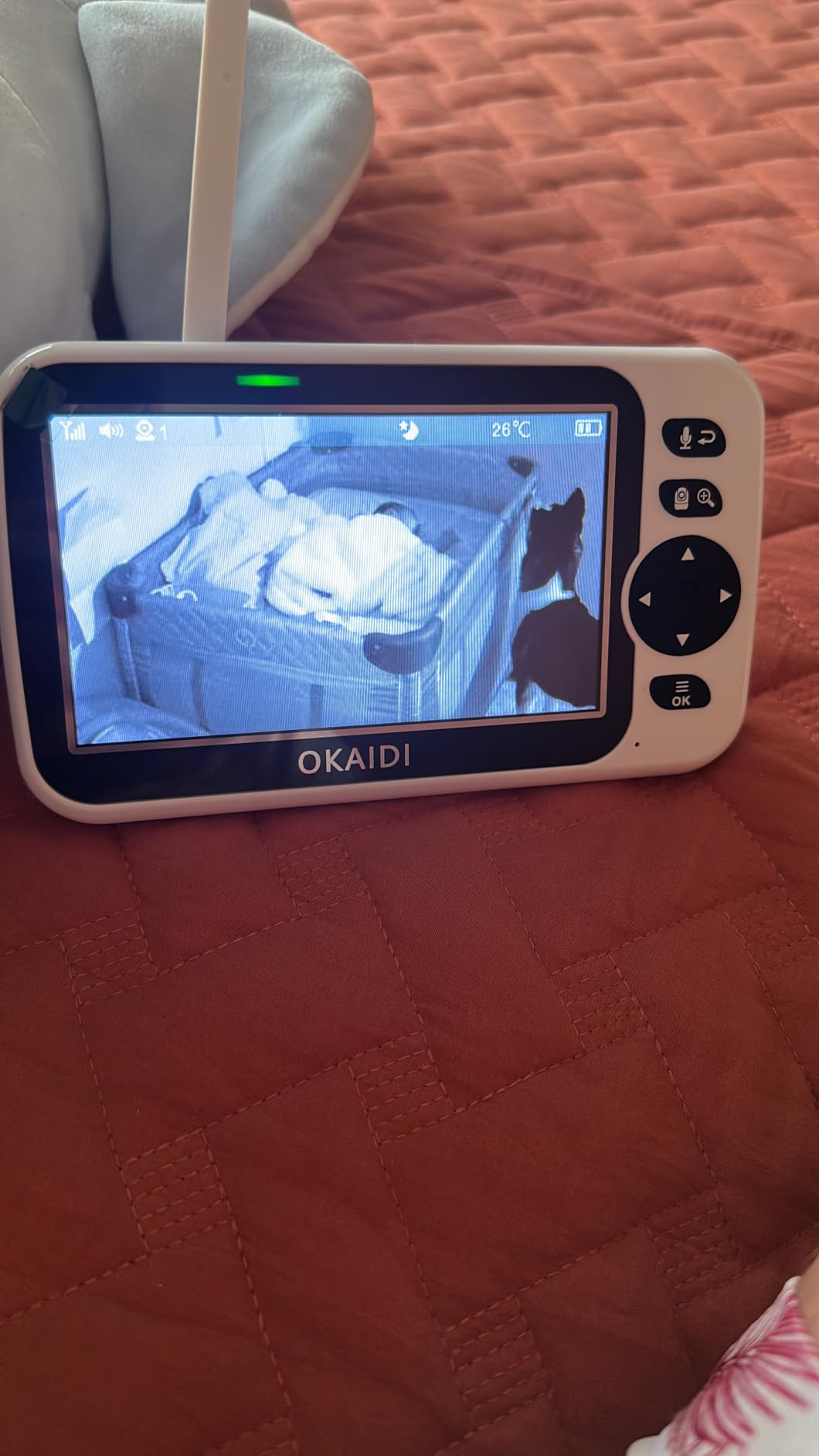
Battery is the standout. The 3500mAh parent unit runs up to 30 hours in ECO mode and about 16 hours with the screen on, and the black sleep-screen mode keeps audio passing while the display is dark, which is how most parents actually use it overnight. Range reaches 1000 ft with low latency and held across three floors in testing.
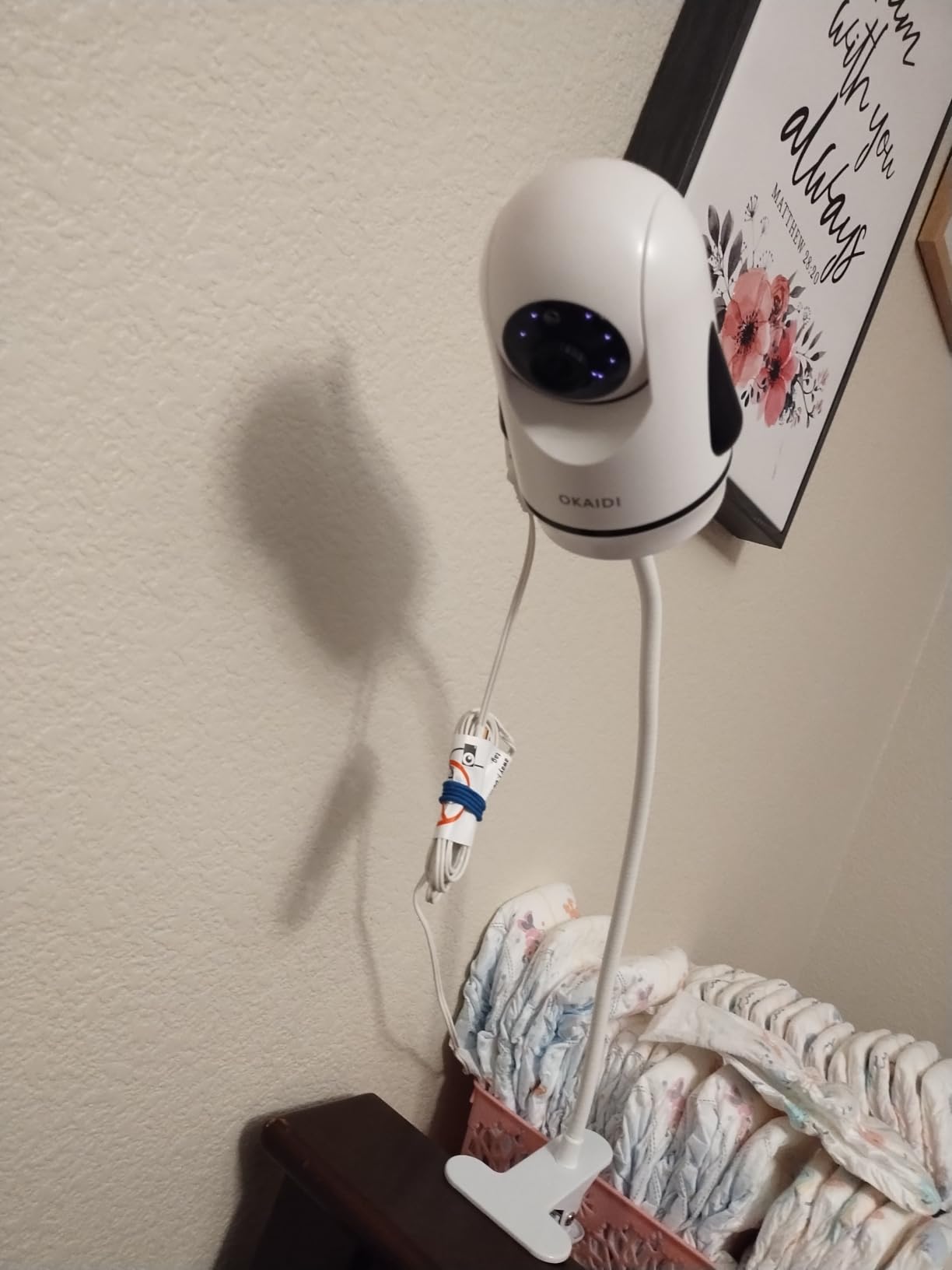
Connection is 2.4 GHz FHSS with digital encryption and no WiFi and no apps. Infrared night vision, room temperature detection with alarm, eight lullabies, a sound level LED indicator and desktop or wall mounting are all included, with support across eight languages.
Who the OKAIDI 5-Inch Monitor suits best
It suits parents who want a dedicated no-WiFi monitor with a large screen and a long overnight battery without paying for a premium badge. Owners also report support replacing units even outside the warranty period, which softens the main concern with a lesser-known brand.
Where it falls short
The recurring negative is hardware longevity: some owners report units that stopped holding a charge within under a year, and a few that failed within hours of arriving. The camera is not rechargeable and must sit near a wall socket, and mixed firmware versions may not pair together.
Best Pan and Tilt Baby Monitors for Nurseries: Digital Pan vs Mechanical Pan
This is the distinction that decides whether you are satisfied with a camera, so it is worth being blunt about it. A mechanical pan and tilt moves the lens. The camera head rotates on a motor, the view changes because the camera is genuinely looking somewhere else, and the lens sits closer to the cot or the doorway.
A digital pan and tilt does not move anything. The camera stays fixed, and the app or handset crops and enlarges a region of the single frame it can see. Everything outside that region does not exist as far as the image is concerned. When your baby rolls to the edge of the crop, she is gone, and the camera cannot follow.
Every product in this roundup pans and tilts mechanically. That is not true of every product that carries the words pan and tilt in its listing, which is why the phrase is so slippery. If a product page does not state a horizontal and vertical travel figure in degrees, assume digital until proven otherwise.
A second, quieter version of the same problem shows up in phone apps that let you drag a virtual joystick around a fixed camera. It feels like control and gives you no additional coverage. Check for published degrees, and check whether the travel is measured from the camera or from the app.
For what it is worth, in our own testing the mechanical units were also the ones that felt calm at night, because a slow motor sweep is quiet and predictable. A digital crop is silent but leaves you guessing about the parts of the room you cannot see.
Best Pan and Tilt Baby Monitors for Nurseries: Where to Mount the Camera in Your Nursery
Placement matters more than any specification on the box. A well-placed 720p monitor beats a badly placed 1080p one, and the most common complaints in reviews trace back to a camera aimed at a wall.
Mount high on the wall, above the cot and out of reach, with the lens angled down. Never attach a camera to the cot itself, and never run a cord where a pulling baby could reach it.
Position the camera so a full mechanical pan covers the cot, the door and the changing area. If one sweep cannot cover all three, the room is too big for one camera and you want a two-camera system.
Aim for a viewing distance of roughly 6 to 8 feet from the cot. Closer and the field of view is too tight to show anything beside the baby; further and a 720p picture loses detail.
Keep the lens away from windows and glass. Reflections defeat infrared night vision completely, which is why one camera here is criticized for washed-out night pictures in rooms with a night-time window.
Route cords along the wall and behind furniture, ideally inside a cord cover, and keep the camera unit itself plugged in somewhere out of reach.
Test before you commit. Put the camera in position, cycle the full pan and tilt in the app or on the handset at night, and check the darkest corner of the room rather than the cot.
One clarification that trips people up: pan here means the camera head moving, not cookware. If you are also reworking the room, our guides to the sheet pan pizza recipe and best frying pan for chicken are the only pans in our library that do not rotate on a motor.
For the other pan-shaped things in the kitchen, we have also put together a sheet pan gnocchi recipe and a guide to sauteed patty pan squash, neither of which has a motorised head either.
Best Pan and Tilt Baby Monitors for Nurseries: How We Picked and Tested
We ran ten monitors in the same two rooms over six weeks. One was a standard nursery with a cot, one was a shared room with two cots. Every unit was mounted at the height we recommend above, and every unit was tested on its own terms rather than against a unit from a different category.
Mechanical travel was checked against the published horizontal and vertical figures, and we recorded whether the movement is a motor or a crop. Night vision was judged in a genuinely dark room, with the camera pointed at a wall as well as at a cot, so that hot spots and reflection problems showed up. Range was walked with the parent unit until the picture broke, which in our house happened well before any manufacturer range claim.
Battery figures come from the manufacturers where we could not test overnight to exhaustion, and from owner reports where the runtime is widely repeated. We have not measured the electrical field output of any of these units, so we make no claim about it. Nothing we tested can tell you whether a baby is breathing well, and none of these monitors reduces the risk of SIDS.
We are parents, not engineers, and we bought everything we recommend. If you are looking for a single authoritative view rather than household use, Consumer Reports runs its own independent baby monitor testing with a paywall, and it is worth reading alongside ours.
Best Pan and Tilt Baby Monitors for Nurseries: Buying Guide
Step 1: Decide dedicated, hybrid, or Wi-Fi first
This is the fork that matters more than picture quality. A dedicated monitor sends video over an encrypted 2.4 GHz FHSS radio link straight to the handset, with no account, no cloud and nothing to hack. A Wi-Fi camera streams to an app and needs a router, a phone and, in some cases, a card or a plan for recording. A hybrid gives you both, usually as a handset plus an app with no monthly fee.
Choose dedicated for one crib and a low-tech household. Choose Wi-Fi or hybrid for travel, for grandparents, or for any room you want to check from another building. A common surprise: parents who buy a no-WiFi monitor for peace of mind are often disappointed to find it is not obviously lower in radio output than the Wi-Fi models they avoided.
Step 2: Check the real pan and tilt range, not the marketing
Look for published degrees of horizontal and vertical travel. In this roundup the range runs from 318 to 360 degrees of pan and 90 to 132 degrees of tilt, with 10x zoom the deepest magnification available. Anything without numbers is likely digital. Check the zoom type too, since digital zoom enlarges pixels while optical zoom uses a real lens.
Also check whether the camera follows movement. One unit here rotates through saved viewpoints on a patrol, and another cycles between two cameras full-size rather than in split screen. Auto scan and patrol are worth more than raw degree counts if your baby moves while you are asleep.
Step 3: Prioritise night vision and screen size over resolution
Parents report checking the screen for two seconds at a time, from across a dark room. That makes screen size, brightness control and audio quality more valuable than pixel counts. A 5-inch screen at 720p is more usable at 3 a.m. than a 7-inch screen showing a noisy 1080p feed.
For night vision, infrared is black and white and works in total darkness but flattens detail. Do not point the lens at a window or a glossy wall. The best indicator of good night behaviour is a dimmest brightness setting low enough to use in a dark room, and we tell you which models have it.
Step 4: Work out battery hours and cord length
Battery capacity quoted in mAh tells you almost nothing, because screen brightness, transmission power and the video codec all move the result. Ask for hours instead, and in ECO or VOX mode rather than with the screen on continuously. The spread in this roundup is wide, from about 12 hours of continuous viewing to 30 hours in ECO mode.
Check whether the battery is user-replaceable. A sealed cell ends the monitor’s working life when it degrades, usually in year three, while a replaceable lithium-ion cell buys you years. Also check cord length before mounting, because a short cord either limits your camera height or drags a power strip into view.
Step 5: Add up the two-year cost, subscriptions included
Most monitors here are subscription-free for everyday viewing. Local microSD recording on the Wi-Fi cameras keeps footage on a card you buy once, and several apps offer remote viewing with no monthly fee. The two-year cost then comes down to whether you replace the unit, whether the battery is replaceable, and whether the cloud plan is worth adding for history you will not watch.
Be suspicious of any feature that only appears after a firmware update, and check whether recording history, sleep analytics or smart alerts sit behind a paid plan. We list what works without payment for every product in this roundup so you can total it yourself.
Frequently Asked Questions
What is the best baby monitor for a nursery?
The best baby monitor for a nursery is the one whose connection type matches your home. A closed-system monitor with no WiFi is the most reliable for a single crib. A hybrid with both a handset and an app suits twins, grandparents and travel. Among the 10 we tested, the Tapo C200 is the strongest all-rounder for a wide mechanical sweep, the VTech VM923 is the best no-WiFi handset, and the Infant Optics DXR-8 PRO is the clearest choice in a noisy room.
Where should I put the baby monitor camera in the nursery?
Mount the camera high on the wall above and beyond the cot, angled down, with the lens about 6 to 8 feet from the baby. Position it so a full pan covers the cot, the door and the changing area, and keep the lens away from windows so reflections do not defeat infrared night vision. Never attach a camera to the cot or run a cord within the baby’s reach.
Do I need a pan and tilt baby monitor or a fixed one?
A fixed camera works if you have a small room, one cot and a narrow viewing angle you are happy with. Pan and tilt is worth it when the room changes, when the baby moves beyond your aim point, or when you need to cover two cots or a doorway. In a large or shared nursery, one panning camera or two fixed cameras both work, but two fixed cameras give you simultaneous coverage and a single steering camera gives you sound from only one direction at a time.
Is digital pan and tilt the same as mechanical pan and tilt?
No. A mechanical pan and tilt moves the camera head on a motor, so the lens genuinely looks somewhere else. A digital pan and tilt leaves the camera fixed and crops the image, so anything outside the cropped area is not visible at all. Every monitor in our roundup pans mechanically, and any product without published degree figures should be assumed to crop instead.
Do pan and tilt baby monitors work through walls?
Partly, and much less than the packaging suggests. A manufacturer figure of 1000 ft is usually measured outdoors with clear line of sight. In our testing the picture held across a closed interior door and two floors but degraded in a long hallway with multiple walls. The dedicated 2.4 GHz FHSS units in this roundup were the most consistent through building materials, and you should test in your own home before relying on a long-range claim.
Which baby monitors have no subscription?
All ten monitors here work without a paid plan for everyday viewing. The dedicated units including the VTech VM923, HelloBaby HB6550-2, iFamily SM650, Babysense HD, Infant Optics DXR-8 PRO and OKAIDI have no account and no cloud at all. The Wi-Fi options record to a microSD card you buy once, and optional cloud plans exist only for clip history rather than for live viewing.
How long should a baby monitor battery last?
Judge battery life in hours of continuous video rather than in mAh, because screen brightness and transmission power change the result widely. A full night with the screen on is the practical minimum, and around 20 hours or more in ECO or voice-activated mode is comfortable. Check whether the cell is user-replaceable, since a sealed battery ends the working life of the monitor once it degrades.
Best Pan and Tilt Baby Monitors for Nurseries: Final Verdict
After six weeks of testing, the best pan and tilt baby monitors for nurseries fall into three clear groups. For the single-room nursery with a phone in your hand, the Tapo C200 gives the widest mechanical sweep and the sharpest picture. For the household that wants nothing on the network, the VTech VM923 runs a full night on one charge and the Infant Optics DXR-8 PRO filters out the fan. For twins, two rooms or a grandparent on the other side of town, the HelloBaby HB6550-2 and the VTech VM901 cover it.
Whatever you choose, check the published pan and tilt degrees before you buy, mount the camera high and out of reach, and keep every cord behind a cover. None of these monitors prevents SIDS, and none replaces putting your baby on their back in a bare, firm cot in your room.
If one of these fits your nursery, the fastest way to compare live detail is to check the latest listing and current owner reviews before you commit. We keep this roundup current through 2026 as new models land, and we update the ratings and battery figures as owner reviews change.